
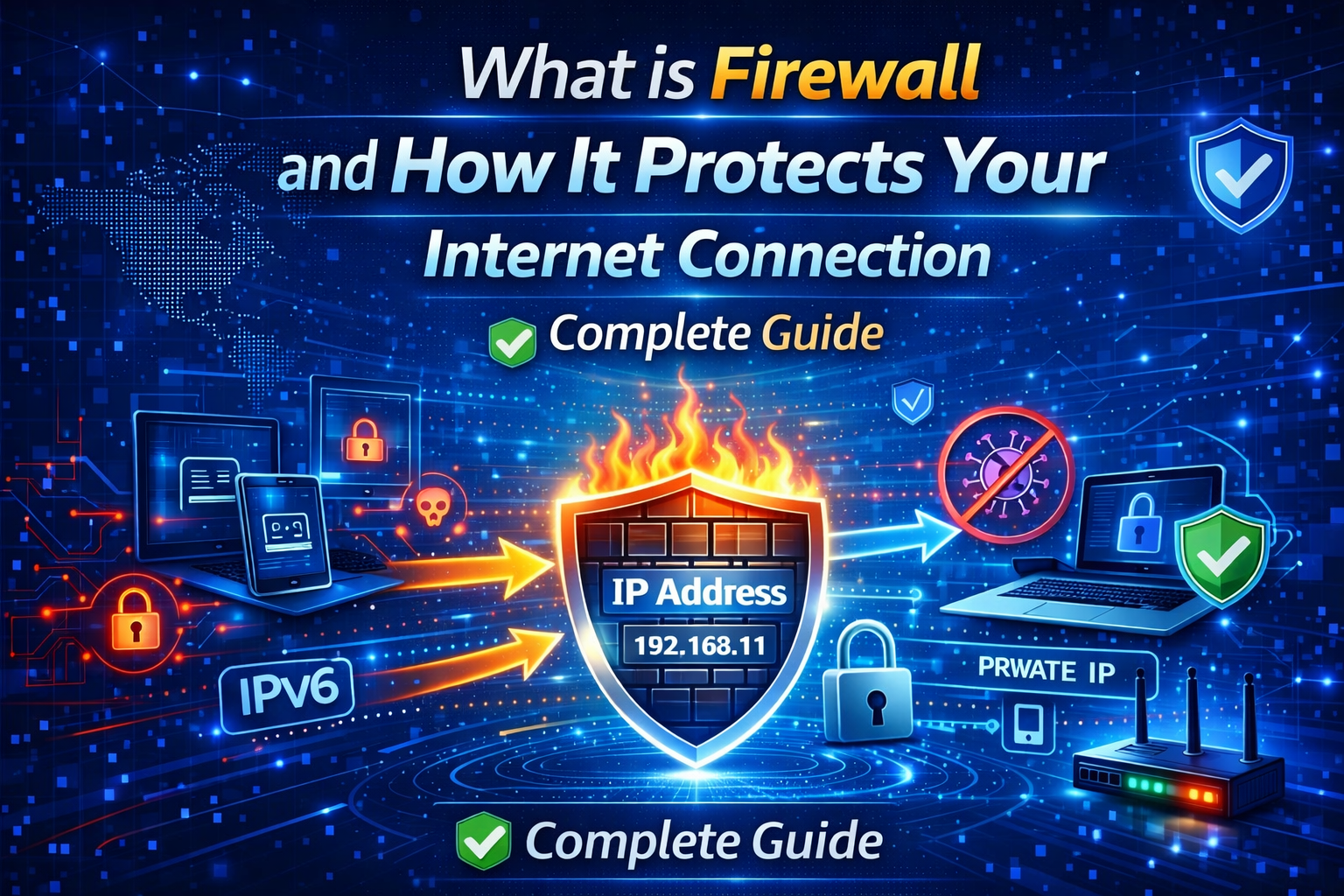
In today’s digital world, internet security has become more important than ever before. Every day millions of people connect to the internet for work, entertainment, communication, and online transactions. But along with convenience, the internet also brings many risks such as hackers, malware attacks, phishing scams, and data theft. What is Firewall
This is where a firewall plays a very important role. If you have ever wondered what a firewall is and how it protects your internet connection, this complete beginner-friendly guide will help you understand everything in simple language.
What is Firewall?
A firewall is a security system that monitors and controls incoming and outgoing network traffic based on predefined security rules. In simple words, it acts like a protective wall between your device and the internet.
Just like a security guard checks who can enter a building, a firewall checks which data packets are safe and which ones are harmful. If the firewall finds any suspicious activity, it blocks the connection immediately.
This helps in protecting your personal data, system files, and online identity from cyber threats.
How Does a Firewall Work?
A firewall works by filtering network traffic. When you connect to the internet, your device sends and receives data in small units called packets. The firewall analyzes these packets and decides whether they should be allowed or blocked.
Firewalls use different security rules such as IP address filtering, domain filtering, port blocking, and protocol inspection. These rules help in identifying safe and unsafe connections.
For example, if a hacker tries to access your computer remotely, the firewall can detect the unusual request and block it before any damage happens.
Types of Firewalls
There are different types of firewalls available depending on security needs.
Packet Filtering Firewall
This is the most basic type of firewall. It checks data packets and allows or blocks them based on simple rules. Although fast and efficient, it does not provide advanced security.
Stateful Inspection Firewall
This firewall keeps track of active connections and makes decisions based on the state of network traffic. It offers better protection than basic packet filtering.
Proxy Firewall
A proxy firewall acts as an intermediary between users and the internet. It hides the user’s real IP address and adds an extra layer of privacy.
Next Generation Firewall
Modern firewalls include advanced features like malware detection, deep packet inspection, and intrusion prevention systems. These are widely used in businesses and enterprise networks.
Why Firewall is Important for Internet Security
Using a firewall is one of the easiest and most effective ways to improve online security. Here are some key benefits of firewall protection.
Protection from Hackers
Firewalls block unauthorized access attempts from cyber criminals trying to enter your system.
Malware Prevention
They help stop malicious software from communicating with external servers and spreading infection.
Privacy Protection
A firewall prevents unknown applications from sending your personal data over the internet.
Safe Browsing Experience
It reduces the risk of visiting dangerous websites and downloading harmful content.
Control Over Network Traffic
Firewalls allow users to manage which apps can access the internet and which should be restricted.
Firewall vs Antivirus – What is the Difference?
Many beginners think firewall and antivirus are the same, but they serve different purposes.
A firewall protects your network connection and blocks suspicious traffic. On the other hand, antivirus software scans files and removes viruses or malware already present in the system.
For complete protection, it is always recommended to use both firewall and antivirus together.
How to Enable Firewall on Your Device
Most modern operating systems already include a built-in firewall. You just need to make sure it is enabled.
On Windows
Go to Control Panel → System and Security → Windows Defender Firewall → Turn On.
On Mac
Open System Settings → Network → Firewall → Enable Firewall.
On Router
You can also enable firewall protection from your Wi-Fi router settings to secure all connected devices.
Tips to Improve Firewall Security
Always keep firewall enabled on all devices
Avoid installing unknown or cracked software
Regularly update your operating system
Use strong Wi-Fi passwordsWhat is Firewall
Combine firewall with VPN for better privacy
Conclusion
A firewall is an essential security tool that protects your internet connection from hackers, malware, and online threats. Whether you are using the internet for browsing, banking, or social media, having firewall protection ensures a safer and more secure experience.
Understanding how firewalls work helps you take better control of your digital safety. By enabling firewall settings and following basic security practices, you can significantly reduce the chances of cyber attacks.
In the modern online world, security should never be ignored. A simple step like using a firewall can make a big difference in protecting your personal information and maintaining privacy. What is Firewall