
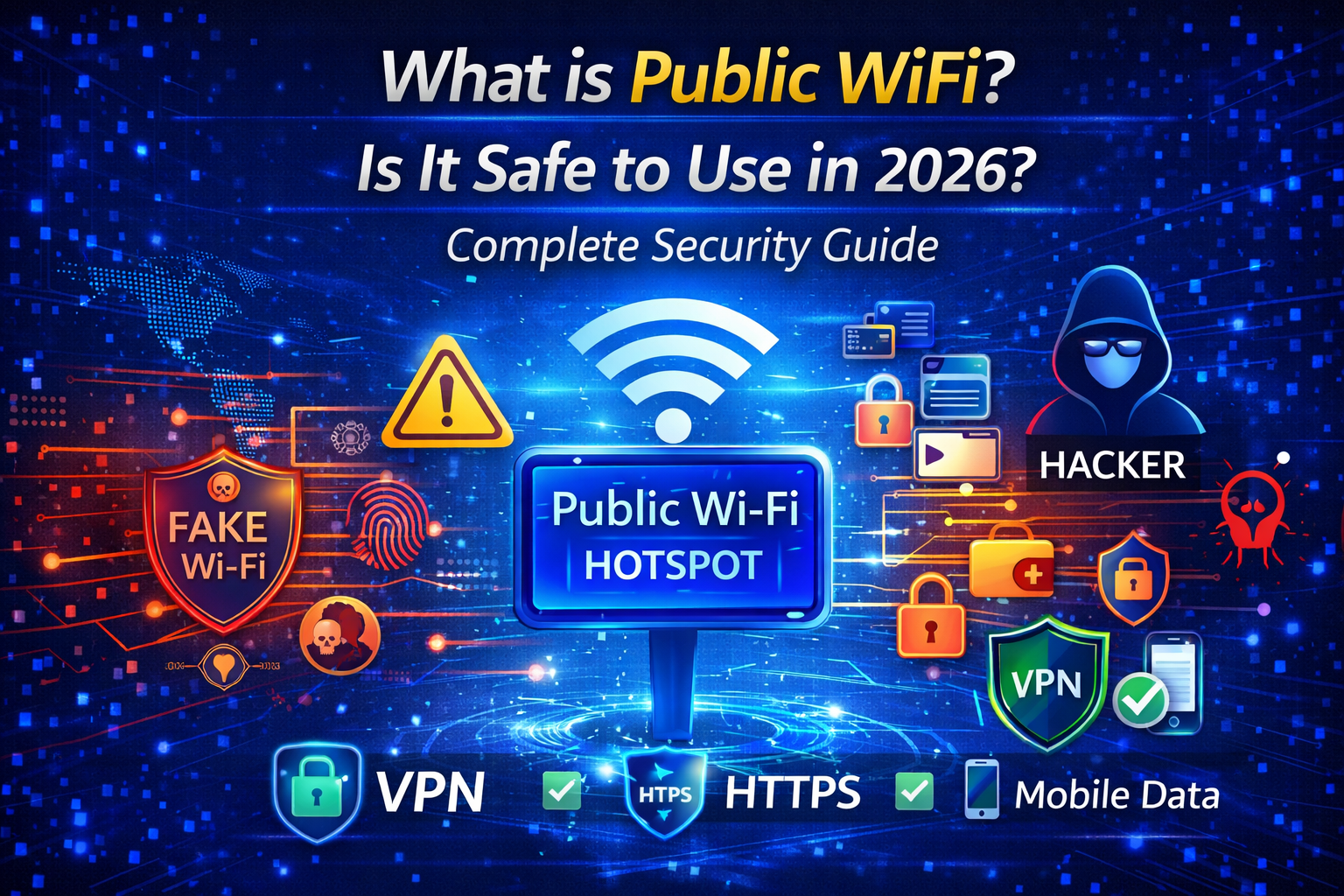
In today’s connected world, free internet access has become very common. Whether you visit a coffee shop, airport, railway station, shopping mall, or hotel, you will often see free Public WiFi available. For many users, it is a convenient way to stay online without using mobile data.
But have you ever wondered whether public WiFi is actually safe to use? Can someone steal your personal data while you are connected to a public network?
In this complete security guide, you will learn what public WiFi is, how it works, its risks, benefits, and the best ways to stay safe while using public internet connections.
What is Public WiFi?
Public WiFi is a wireless internet network that is available for public use. It allows multiple users to connect to the internet without needing a personal router or private connection.
These networks are usually provided by:
Coffee shops
Airports
Hotels
Restaurants
Libraries
Bus stations
Shopping malls
Universities
Public WiFi networks can be password-protected or completely open. Open networks are more dangerous because anyone nearby can connect to them.
How Does Public WiFi Work?
Public WiFi works through a wireless router that is connected to an internet service provider. When users connect to the hotspot, their devices communicate with the router and access the internet.
Unlike home networks, public WiFi usually has minimal security settings. This makes it easier for hackers to intercept data or monitor online activities.
Some networks also use captive portals where users must accept terms or enter login details before accessing the internet.
Benefits of Using Public WiFi
Despite security concerns, public WiFi offers several advantages.
- Free Internet Access
The biggest benefit is saving mobile data costs. - Convenient Connectivity
Users can stay connected while traveling or working remotely. - Useful for Quick Tasks
Checking emails, browsing news, or downloading small files becomes easier. - Business Promotion
Many businesses provide free WiFi to attract customers and improve user experience.
Risks of Public WiFi
Public WiFi may look convenient, but it comes with serious risks.
- Data Interception
Hackers can capture unencrypted data transmitted over public networks. - Man-in-the-Middle Attacks
Attackers can secretly intercept communication between your device and the website. - Fake Hotspots
Cybercriminals may create fake WiFi networks with similar names to trap users. - Malware Distribution
Some networks can inject malicious software into your device. - Identity Theft
Sensitive data such as passwords, banking details, or personal information can be stolen.
Is Public WiFi Safe for Banking or Payments?
Experts strongly advise against using public WiFi for:
Online banking
Digital payments
Shopping transactions
Accessing sensitive work accounts
Even if the website uses HTTPS, advanced attackers can still exploit weak networks.
How Hackers Target Public WiFi Users
Hackers use different techniques such as:
Packet sniffing
Session hijacking
Evil twin networks
DNS spoofing
Malicious software injection
These methods allow attackers to monitor your online activity or gain access to personal data.
How to Stay Safe on Public WiFi
You can reduce risks by following smart security practices.
Use a Trusted VPN
A VPN encrypts your internet traffic and hides your real IP address.
Avoid Sensitive Transactions
Never log into banking or confidential accounts on public WiFi.
Turn Off File Sharing
Disable file sharing and AirDrop features when connected.
Use HTTPS Websites
Always check for secure website connections.
Enable Firewall Protection
Keep your device firewall turned on.
Forget Network After Use
Remove the network from saved connections after leaving the location.
Keep Software Updated
Regular updates fix security vulnerabilities.
Public WiFi vs Mobile Data – Which is Safer?
Mobile data networks are generally more secure than public WiFi. Telecom providers use stronger encryption and authentication methods.
If privacy is important, using mobile data or a personal hotspot is a better option.
Future of Public WiFi Security
Technology is improving rapidly. Modern public networks are starting to adopt:
WPA3 encryption
Secure authentication systems
AI-based threat detection
Automatic VPN integration
These improvements will make public WiFi safer in the future.
Final Thoughts
Public WiFi is extremely useful for staying connected on the go, but it also introduces serious cybersecurity risks. Users must understand that convenience should never come at the cost of privacy.
By using a VPN, avoiding sensitive activities, and following safe browsing habits, you can enjoy the benefits of public WiFi while minimizing potential dangers.
Staying informed and cautious is the best way to protect your digital life in an increasingly connected world.