
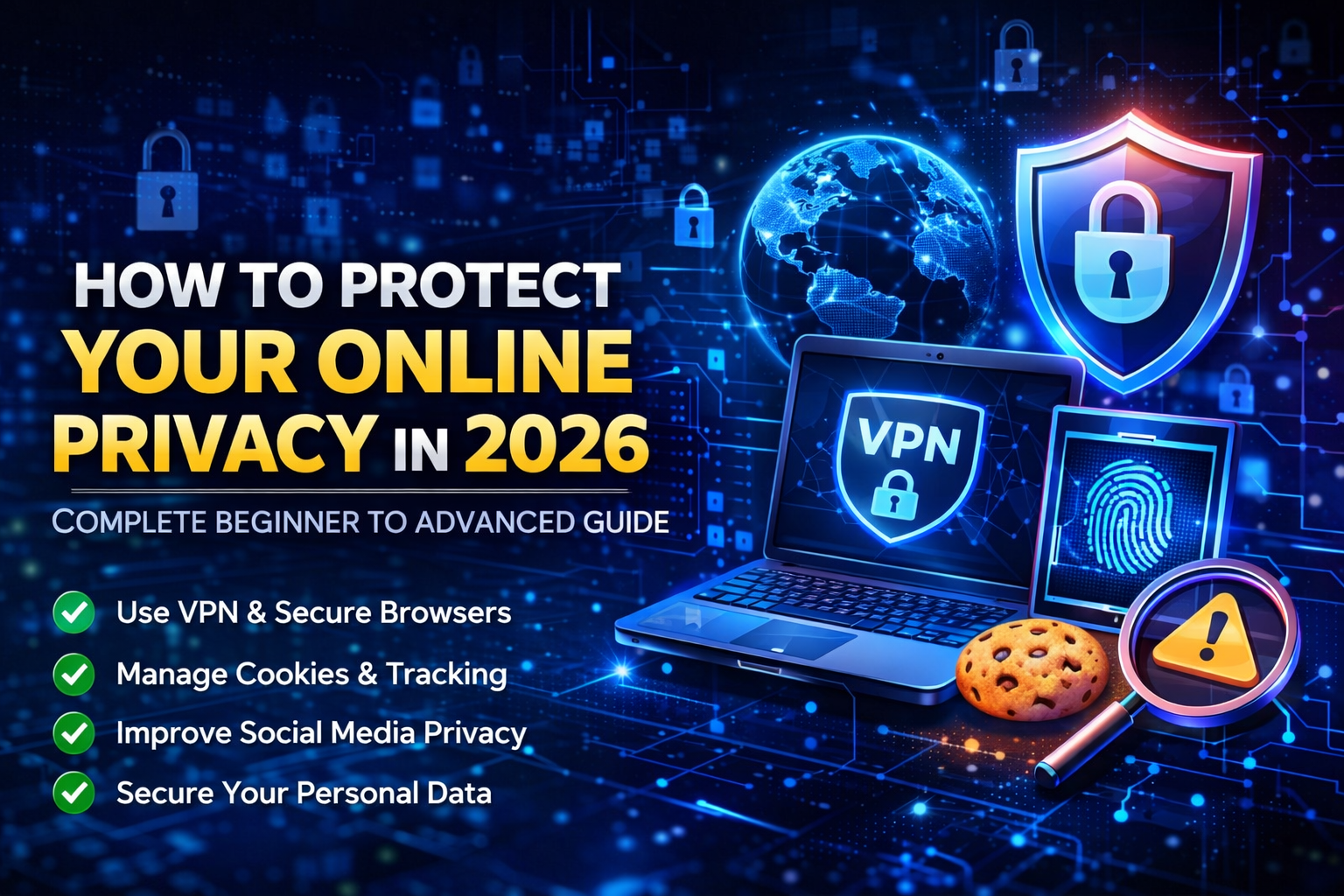
Introduction
In today’s digital world, protecting your online privacy is more important than ever. Every time you browse the internet, use social media, download apps, or make online payments, your personal data is being collected, tracked, and sometimes even misused.
Cyber threats, data leaks, identity theft, and online surveillance are increasing rapidly in 2026. Many internet users are still unaware of how their information is monitored by websites, advertisers, hackers, and even internet service providers.
The good news is that you can take simple yet powerful steps to protect your online privacy. This guide will help beginners and advanced users understand practical methods to stay safe and anonymous online.
By the end of this article, you will learn how to secure your browsing activity, protect sensitive data, and reduce digital tracking risks.
What is Online Privacy and Why It Matters
Online privacy refers to your ability to control what personal information you share on the internet and how it is used.
Every online action leaves a digital footprint. Websites track your location, device type, browsing behavior, and sometimes even personal preferences. This data is often used for targeted advertising, analytics, or worse — cybercrime.
Without proper privacy protection, users may face risks such as identity theft, phishing attacks, account hacking, and financial fraud. Protecting your privacy helps you maintain control over your digital identity and ensures a safer internet experience.
Common Online Privacy Risks
Data Tracking by Websites
Most websites use cookies and tracking scripts to monitor user behavior. This helps companies understand user interests but also reduces privacy.
Public WiFi Threats
Using unsecured public WiFi networks can expose your data to hackers. Sensitive information like passwords and banking details can be intercepted.
Malware and Spyware
Malicious software can secretly monitor your activity, steal data, or damage your device performance.
Social Media Oversharing
Sharing too much personal information online can make you vulnerable to scams and impersonation attacks.
How VPN Helps Protect Privacy
A Virtual Private Network (VPN) encrypts your internet connection and hides your IP address.
When you use a VPN:
- Your real location is hidden
- Internet traffic becomes encrypted
- Online tracking is reduced
- Geo-restricted content becomes accessible
VPN is one of the most effective tools for secure browsing, especially when using public networks.
Importance of Using Secure Browsers
Modern browsers provide privacy settings that can help reduce tracking.
You should always:
- Enable “Do Not Track” feature
- Block third-party cookies
- Use private browsing mode
- Install trusted security extensions
Browsers like Chrome, Firefox, and Brave offer built-in privacy controls that can improve your online safety.
Strong Password and Authentication Practices
Weak passwords are one of the main reasons for account hacking.
Follow these steps:
- Use long and complex passwords
- Avoid using the same password everywhere
- Enable Two-Factor Authentication (2FA)
- Use a trusted password manager
These simple practices can significantly improve your account security.
Safe Downloading and Software Updates
Always download apps and software from official websites or trusted app stores.
Outdated software often contains security vulnerabilities that hackers can exploit. Keeping your system updated ensures better protection against cyber threats.
Managing Cookies and Tracking Data
Regularly clearing browser cache and cookies can help reduce tracking.
You can also:
- Disable location tracking
- Limit app permissions
- Use privacy-focused search engines
These steps improve both privacy and browsing performance.
online privacy protection
Role of Antivirus and Firewall
Security software plays an important role in protecting your data.
A good antivirus program helps detect malware, phishing links, and suspicious downloads.
Firewalls add an extra layer of protection by blocking unauthorized access attempts.
Smart Social Media Privacy Tips
- Keep your profile private
- Avoid sharing personal documents online
- Do not click unknown links
- Regularly review privacy settings
- online privacy protection
Being mindful of what you share online reduces the chances of cyber exploitation.
Future of Online Privacy
As technology evolves, privacy concerns will continue to grow. Artificial intelligence, biometric tracking, and smart devices are changing how data is collected.
Users must stay informed about privacy tools and digital safety practices to adapt to future challenges.
Conclusion
Protecting your online privacy is not difficult if you follow the right strategies. Using VPN services, secure browsers, strong passwords, updated software, and cautious online behavior can significantly reduce risks.
The internet can be a safe and powerful tool when used responsibly. By taking control of your privacy today, you ensure a secure digital future