
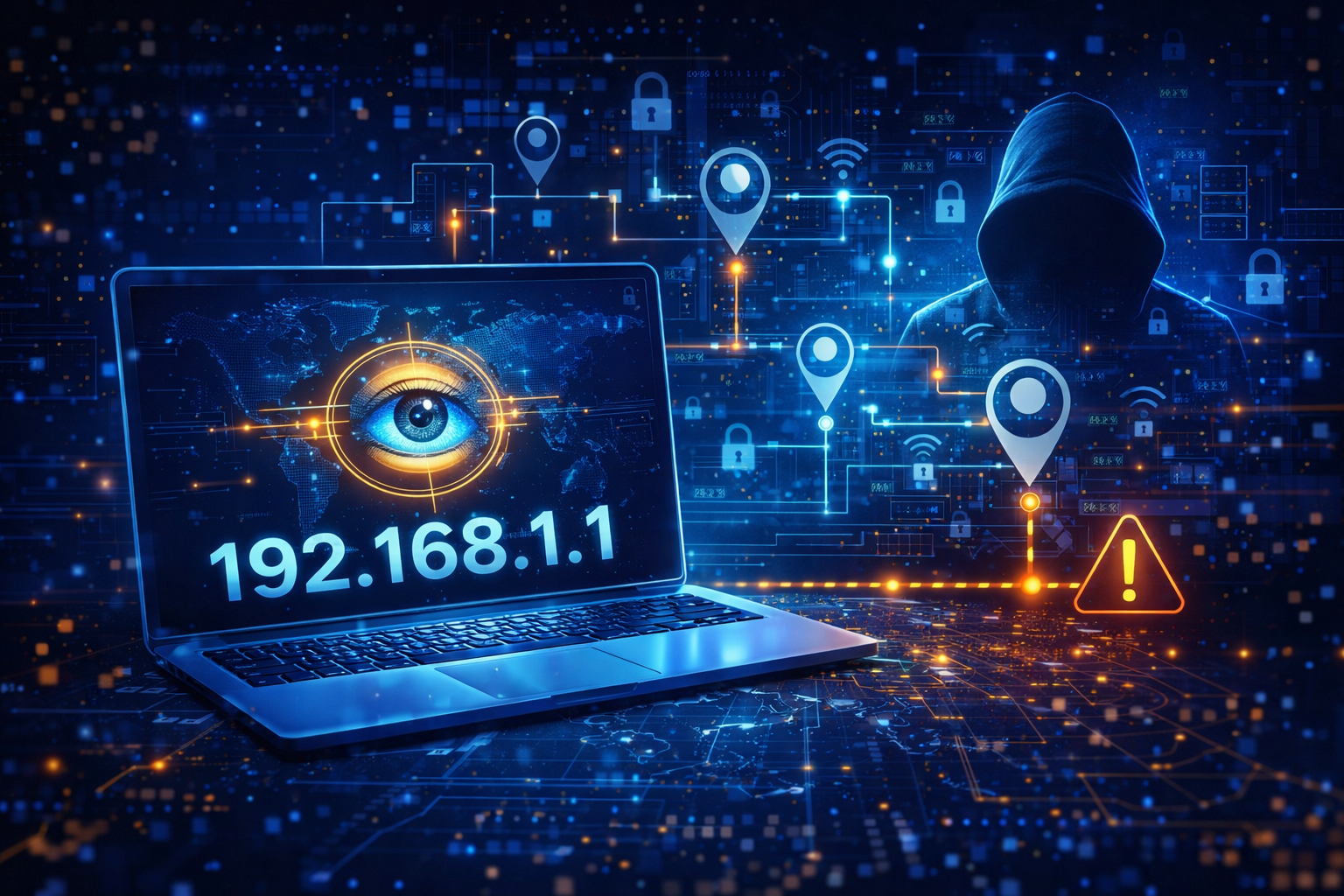
What is IP Address Tracking and How to Stop It – Complete Privacy Guide
Every time you browse the internet, stream videos, visit websites, or download files, your device shares a small but important piece of information known as an IP address. Most internet users are not aware that this simple address can reveal a lot about their online behavior and location.
In today’s digital world, privacy concerns are growing rapidly. Companies, advertisers, hackers, and even some websites use IP tracking to monitor users. Understanding how IP address tracking works and how to stop it is essential for protecting your online identity.
This complete beginner guide explains everything in simple language.
What is an IP Address?
An IP address (Internet Protocol Address) is a unique number assigned to your device when you connect to the internet. It works like a home address for your computer or smartphone so that data can be sent and received correctly.
There are two main types of IP addresses:
- IPv4 (example: 192.168.1.1)
- IPv6 (newer and more secure format)
Your Internet Service Provider (ISP) assigns this address to you whenever you connect online.
What is IP Address Tracking?
IP Address Tracking
IP address tracking is the process of identifying and monitoring a user’s internet activity based on their IP address.
Websites and online services can collect data such as:
- Your approximate location (city / country)
- Device type
- Internet provider
- Browsing behavior
- Session duration
Although IP tracking is sometimes used for security purposes, it is also widely used for advertising, analytics, and data collection.
Why Websites Track Your IP Address
There are several reasons why websites track users:
1. Security Monitoring
Websites monitor IP addresses to detect suspicious activity, fraud attempts, and hacking threats.
2. Personalized Advertising
Advertisers track IP addresses to show location-based ads and targeted promotions.
3. Website Analytics
Businesses use tracking to understand visitor behavior and improve user experience.
4. Content Restrictions
Streaming platforms track IP addresses to block or allow content based on region.
Risks of IP Address Tracking
While tracking may seem harmless, it can create privacy risks if misused.
Loss of Privacy
Your browsing history and behavior can be analyzed without your knowledge.
Location Exposure
Your approximate physical location can be identified.
Cyber Attacks
Hackers can use IP data for phishing or DDoS attacks.
Data Profiling
Companies may build digital profiles to influence purchasing decisions.
How to Check If Your IP is Being Tracked
You can easily check tracking signs by noticing:
- Too many targeted ads
- Frequent captcha verifications
- Region-based content blocking
- Suspicious login alerts
You can also use online IP checker tools to see what information is visible publicly.
Best Ways to Stop IP Address Tracking
The good news is that there are simple methods to protect yourself online.
Use a VPN (Virtual Private Network)
A VPN hides your real IP address and replaces it with another secure server location.
Benefits include:
- Anonymous browsing
- Encrypted internet traffic
- Bypass geo-restrictions
- Protection on public WiFi
VPNs are one of the most reliable privacy tools available today.
Use Proxy Servers
Proxy servers act as a middle layer between your device and the internet.
Advantages:
- Mask your real IP address
- Improve browsing anonymity
- Access restricted websites
However, free proxies may be slower or less secure than VPN services.
Enable Private Browsing Mode
Incognito or private browsing prevents websites from storing cookies and session data.
Important note:
Private mode does NOT hide your IP from internet providers or advanced trackers.
IP Address Tracking
Use Privacy-Focused Browsers
Some browsers are designed specifically for online privacy.
They offer:
- Tracker blocking
- Secure browsing
- Anti-fingerprinting features
Examples include Brave and Tor Browser.
Disable Location Sharing
Many websites request access to your location. Always click “Block” unless necessary.
You can also turn off location services in device settings.
Clear Cookies and Cache Regularly
Cookies store browsing data which helps trackers identify returning users.
Clearing cookies helps reduce behavioral tracking.
IP Address Tracking
Advanced Privacy Tips for Maximum Protection
If you want strong online anonymity, follow these extra steps:
- Use DNS privacy tools
- Enable firewall protection
- Avoid suspicious downloads
- Keep software updated
- Use HTTPS secure websites only
Combining multiple privacy methods provides better protection.
Is IP Tracking Illegal?
In most countries, IP tracking itself is not illegal when used for security or analytics.
However, misuse of personal data without consent may violate privacy laws such as GDPR.
This is why modern websites display cookie consent notices.
IP Address Tracking
Final Thoughts
IP address tracking is a normal part of how the internet works, but it can become a privacy risk if you do not take precautions.
By using VPN services, secure browsers, and smart browsing habits, you can significantly reduce online tracking and protect your digital identity.
In 2026 and beyond, internet privacy is no longer optional — it is a necessity.
Taking simple steps today can keep your online life safe and anonymous.
IP Address Tracking