
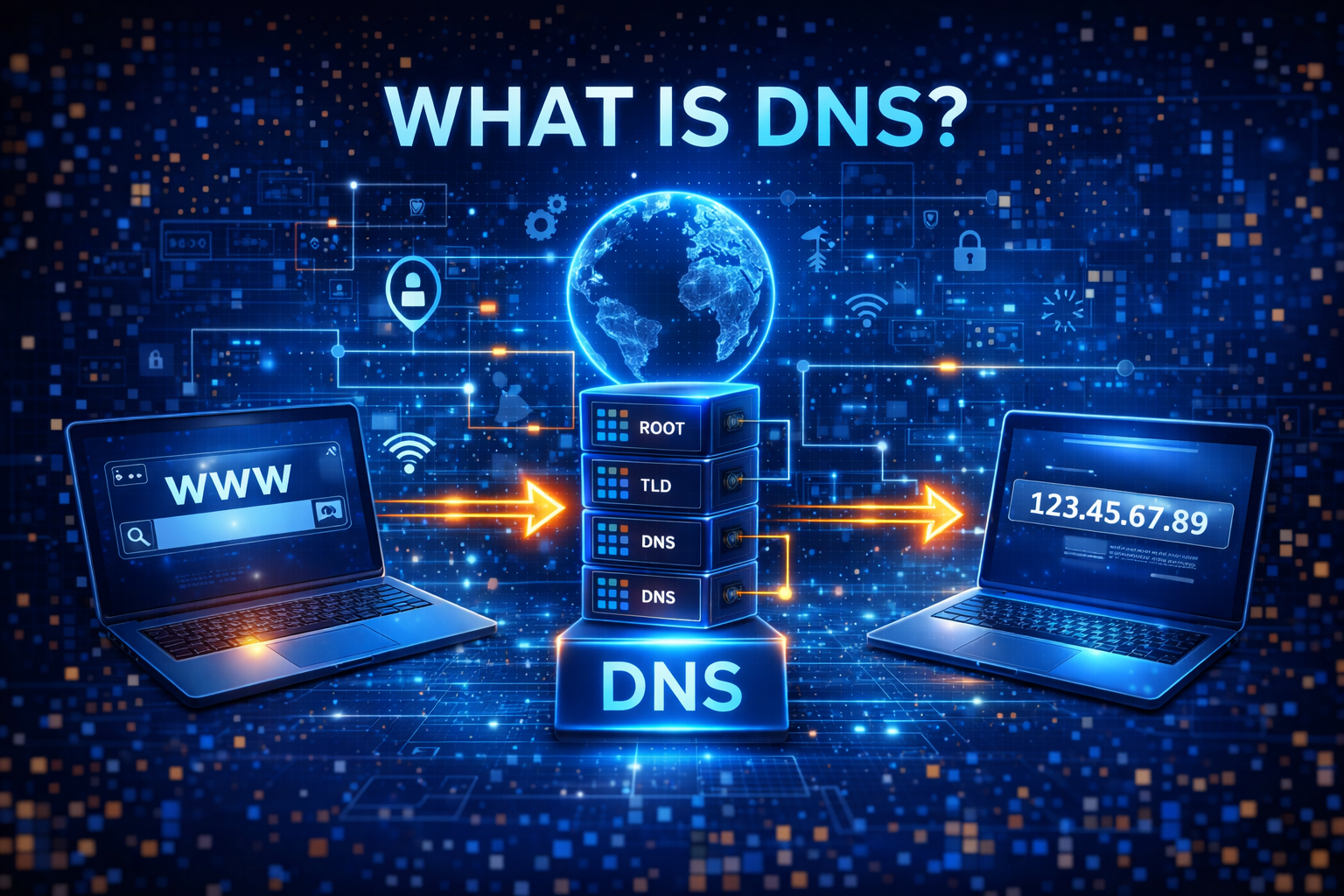
When you open any website like Google, YouTube, or Facebook, have you ever wondered how your browser finds the correct website so quickly? Behind the scenes, a powerful system called DNS makes this possible.
DNS stands for Domain Name System. It acts like a translator between human-friendly website names and machine-friendly IP addresses. Without DNS, we would have to remember complex numbers instead of simple domain names.
In this complete beginner guide, you will learn what DNS is, how it works, why it is important, and how it affects your internet experience.
What is DNS?
DNS (Domain Name System) is a system that converts domain names into IP addresses.
For example:
What is DNS
Instead of typing a complex IP address like 142.250.183.206, you simply type google.com. DNS translates that name into the correct IP address so your browser can connect to the website.
In simple terms:
👉 DNS = Internet’s phonebook
Why DNS is Important
What is DNS
DNS plays a crucial role in making the internet user-friendly.
It helps in:
- Accessing websites easily
- Reducing the need to remember IP addresses
- Faster browsing experience
- Connecting users to correct servers
- Supporting global internet infrastructure
Without DNS, browsing the internet would be extremely difficult.
How DNS Works (Step-by-Step)
Let’s break it down into simple steps.
Step 1 – You enter a domain name
You type a website URL in your browser.
Step 2 – DNS request is sent
Your device sends a query to a DNS resolver.
Step 3 – Resolver searches DNS servers
It checks multiple DNS servers to find the correct IP.
Step 4 – IP address is found
The correct IP address is returned.
Step 5 – Website loads
Your browser connects to the server and loads the site.
This entire process happens in milliseconds.
Types of DNS Servers
Different DNS servers work together to complete the process.
1. DNS Resolver
The first point of contact that receives your request.
2. Root Server
Directs the query to the correct top-level domain server.
3. TLD Server
Handles domain extensions like .com, .org, .net.
4. Authoritative Server
Provides the final IP address of the website.
DNS Caching Explained
DNS caching stores previously visited website data temporarily.
Benefits:
- Faster website loading
- Reduced server load
- Improved performance
What is DNS
However, sometimes outdated cache can cause issues.
Common DNS Issues
Users may face DNS-related problems like:
- Website not loading
- DNS server not responding
- Slow browsing
- Incorrect website redirect
Most of these issues can be fixed by clearing DNS cache or changing DNS settings.
How to Change DNS Settings
You can improve speed and privacy by using public DNS servers.
Popular options:
- Google DNS
- Cloudflare DNS
Steps (basic idea):
- Go to network settings
- Change DNS server address
- Save and restart connection
DNS and Online Privacy
DNS can reveal your browsing activity.
Your ISP can see which websites you visit using DNS requests.
To improve privacy:
- Use secure DNS (DoH / DoT)
- Use VPN services
- Use privacy-focused DNS providers
DNS vs IP Address
Many beginners confuse DNS with IP address.
DNS
- Converts domain to IP
- Easy to remember
What is DNS
IP Address
- Numeric identifier
- Used for actual connection
Both work together to make internet browsing possible.
Future of DNS
Modern technologies are improving DNS security and speed.
Innovations include:
- DNS over HTTPS (DoH)
- DNS over TLS (DoT)
- AI-based routing
- Faster global DNS networks
These improvements will make internet browsing faster and more secure.
What is DNS
Final Thoughts
DNS is one of the most important systems that power the internet. It works silently in the background to ensure you can access websites quickly and easily.
Understanding DNS helps you troubleshoot internet issues, improve browsing speed, and protect your online privacy.
What is DNS
As internet technology continues to evolve, DNS will remain a key part of digital communication.