
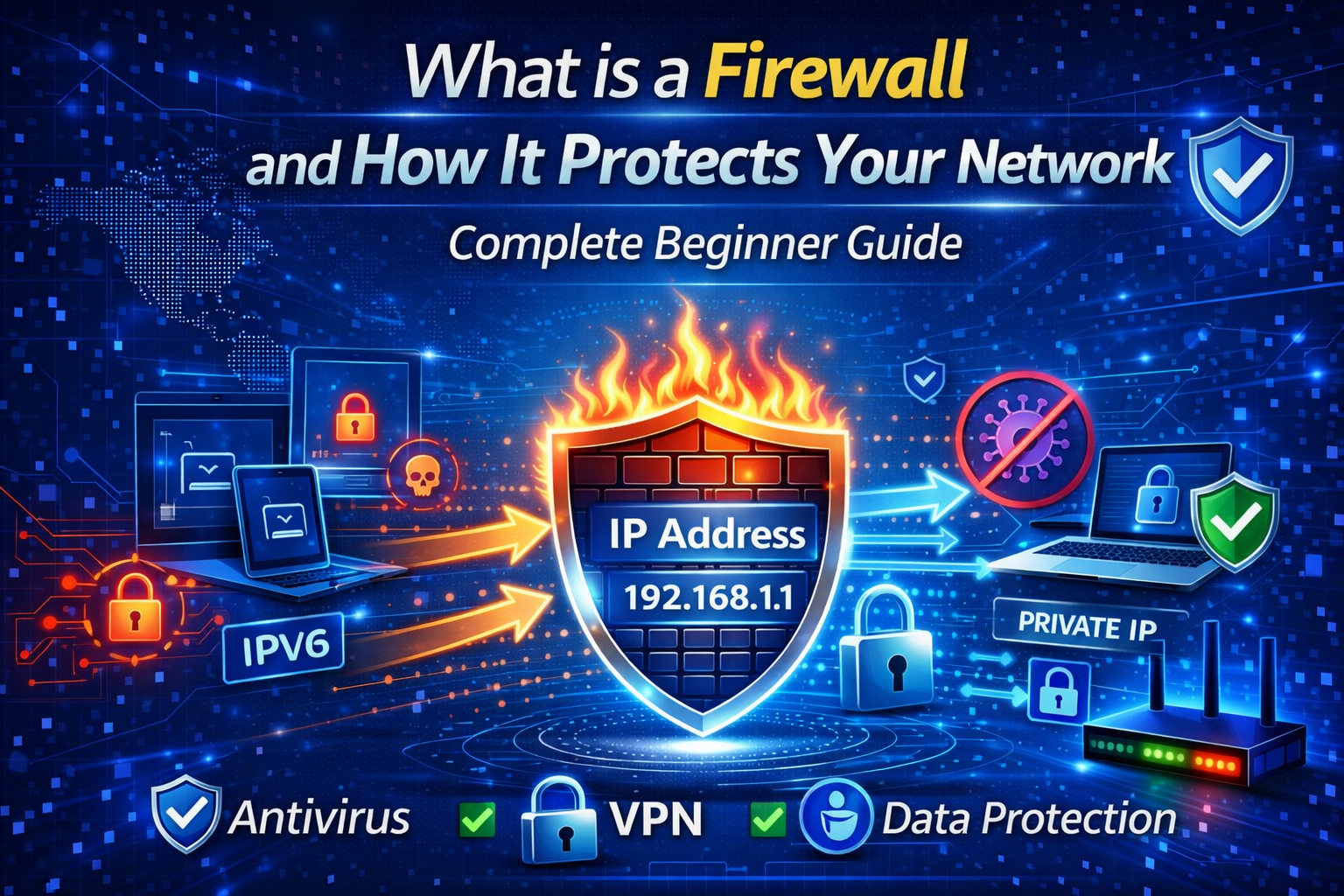
What is a Firewall and How It Protects Your Network – Complete Beginner Guide (2026)
In today’s digital world, internet security is more important than ever. Every time you browse websites, use social media, or download files, your device is exposed to various online threats. This is where a firewall plays a crucial role.
A firewall is one of the most essential cybersecurity tools that helps protect your computer, mobile device, or entire network from unauthorized access and malicious attacks. Whether you are a beginner or someone looking to improve online privacy, understanding firewalls can help you stay safe online.
In this complete beginner guide, you will learn what a firewall is, how it works, types of firewalls, benefits, and how to use it effectively for better internet security.
What is a Firewall?
A firewall is a network security system that monitors and controls incoming and outgoing internet traffic based on predefined security rules. It acts as a protective barrier between your trusted internal network and untrusted external networks like the internet.
In simple terms, a firewall decides which data packets are allowed to enter or leave your device or network. If the traffic is safe and matches the rules, it is allowed. If it is suspicious or harmful, the firewall blocks it.
Think of a firewall as a security guard at the entrance of your digital home.
Why is a Firewall Important?
Without a firewall, your device can easily become a target for hackers, malware, viruses, and cyber attacks. Firewalls help prevent:
- Unauthorized access
- Data theft
- Malware infections
- Hacking attempts
- Network spying
- Suspicious connections
For individuals, firewalls protect personal data and privacy. For businesses, they are critical for protecting sensitive company information.
How Does a Firewall Work?
A firewall works by analyzing internet traffic using a set of security rules. These rules are based on factors like:
- IP address
- Port number
- Protocol type
- Packet content
- Application behavior
When data tries to enter your network, the firewall checks whether it follows the security rules.
If the request is safe → Access allowed
If the request is harmful → Access blocked
Modern firewalls also use advanced techniques such as:
- Packet filtering
- Stateful inspection
- Proxy filtering
- Deep packet inspection
- Intrusion detection
This ensures stronger and smarter protection.
Types of Firewalls
1. Hardware Firewall
A hardware firewall is a physical device placed between your network and the internet. It is commonly used in offices and organizations.
Benefits:
- Protects entire network
- Faster performance
- Strong security
2. Software Firewall
A software firewall is installed directly on your computer or smartphone.
Benefits:
- Easy to install
- Ideal for personal use
- Customizable security settings
3. Network Firewall
Used to secure large networks and enterprise environments.
4. Cloud Firewall
Provides security for cloud-based systems and remote networks.
5. Next-Generation Firewall (NGFW)
Advanced firewall with features like:
- AI-based threat detection
- Application control
- Malware protection
- VPN support
Firewall vs Antivirus – What’s the Difference?
Many beginners confuse firewalls with antivirus software.
| Firewall | Antivirus |
|---|---|
| Blocks unauthorized network traffic | Removes viruses and malware |
| Prevents hacking attempts | Detects infected files |
| Works at network level | Works at device level |
👉 For complete protection, you should use both firewall and antivirus together.
Key Benefits of Using a Firewall
🔐 Better Security
Firewalls protect your device from cyber attacks and malicious traffic.
🌐 Safe Internet Browsing
They block harmful websites and suspicious connections.
📊 Network Monitoring
Firewalls allow you to monitor internet activity and detect unusual behavior.
🛡️ Privacy Protection
They prevent hackers from spying on your online activities.
🚀 Improved Control
You can control which apps or services can access the internet.
Do You Need a Firewall at Home?
Yes. Even if you are a normal internet user, you still need firewall protection.
Common home risks include:
- Phishing attacks
- Malware downloads
- Fake websites
- Public WiFi threats
- Smart device hacking
Most modern operating systems like Windows, macOS, Android, and iOS already have built-in firewalls. However, configuring them properly is important. What is a Firewall
How to Enable Firewall on Your Device
On Windows
- Open Control Panel
- Go to System and Security
- Click Windows Defender Firewall
- Turn Firewall ON
On Mac
- Open System Settings
- Go to Network Security
- Enable Firewall
On Router
- Login to router admin panel
- Enable firewall or security mode
- Save settings
This protects all devices connected to your WiFi.
Firewall Limitations
Although firewalls provide strong protection, they are not perfect.
They cannot:
- Stop all malware
- Protect against phishing links
- Prevent human errors
- Replace antivirus software
That is why cybersecurity experts recommend using:
✅ Firewall
✅ Antivirus
✅ VPN
✅ Safe browsing habits
Together, they create a complete security system.
Firewall Best Practices for Beginners
- Always keep firewall enabled
- Update system regularly
- Avoid suspicious downloads
- Use strong WiFi passwords
- Enable router firewall
- Monitor blocked activity logs
- Combine firewall with VPN
These simple steps can greatly improve your online safety.
Future of Firewall Technology
With increasing cyber threats, firewall technology is becoming smarter.
Future firewalls will include:
- AI-powered threat detection
- Automatic security updates
- Cloud-based protection
- IoT device security
- Behavioral analysis
This will make internet usage safer for everyone.
Conclusion
A firewall is one of the most essential tools for protecting your digital life. It acts as the first line of defense against cyber threats, hackers, and malicious traffic. Whether you are using a computer, smartphone, or home network, enabling a firewall can significantly improve your security and privacy.
For complete online protection, always combine firewall usage with antivirus software, VPN services, and safe browsing habits.
Understanding how firewalls work is the first step toward becoming more secure and confident in today’s connected world. What is a Firewall