
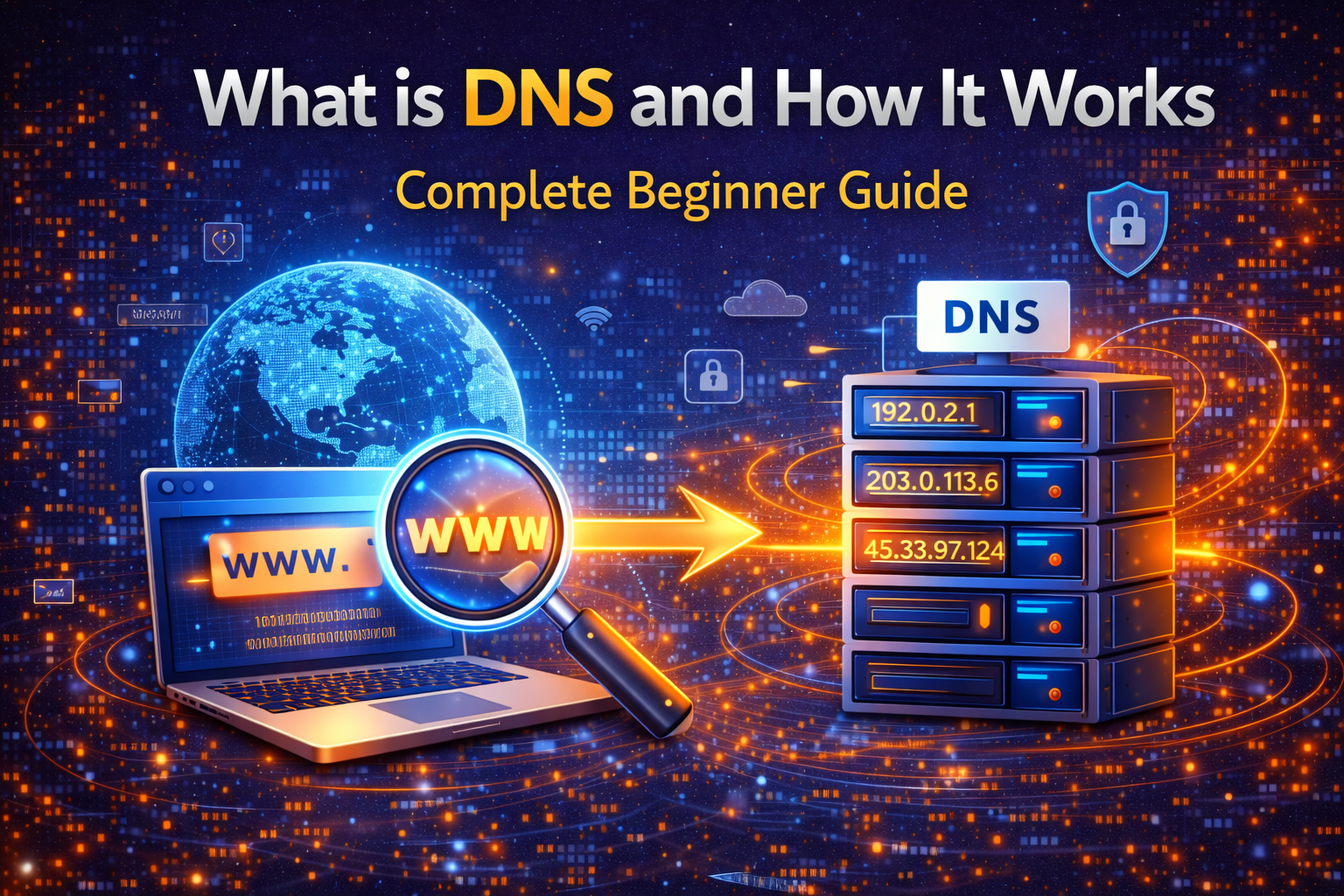
The internet works through many complex systems, but one of the most important and often overlooked technologies is DNS. If you have ever wondered how typing a website name like google.com instantly opens the correct website, the answer lies in DNS.
DNS stands for Domain Name System. It acts like a phonebook of the internet. Instead of remembering complicated numerical IP addresses, users can simply type easy-to-remember domain names. DNS then converts these domain names into machine-readable IP addresses so that browsers can load the correct website.
Understanding DNS is important not only for beginners but also for anyone interested in online privacy, cybersecurity, and internet performance.
What is DNS?
DNS is a system that translates domain names into IP addresses. Every website on the internet has an IP address which is a unique set of numbers. Computers communicate using these numbers, not domain names.
For example, when you type a website address into your browser, DNS helps your device find the exact server where that website is stored. Without DNS, browsing the internet would be very difficult because users would have to remember long numeric addresses.
DNS works in the background and makes the internet user-friendly and accessible for everyone.
How DNS Works Step by Step
When you enter a website address in your browser, the following process happens:
First, your device checks its local cache to see if it already knows the IP address of that website.
If the address is not found, the request is sent to a DNS resolver. This resolver then communicates with multiple DNS servers to find the correct IP address.
Once the correct IP address is found, it is sent back to your browser. Your browser then connects to the website server and loads the webpage.
This entire process usually takes only milliseconds, which is why websites open almost instantly.
Types of DNS Servers
There are different types of DNS servers involved in the process.
Recursive Resolver
This is the first stop where your request goes. It handles the task of finding the correct IP address.
Root Name Server
This server helps direct the request to the correct domain extension such as .com or .org.
TLD Name Server
TLD stands for Top Level Domain. These servers manage domain extensions and help locate the final authoritative server.
Authoritative Name Server
This server contains the actual IP address of the requested website and sends the final response back.
Importance of DNS in Internet Privacy
DNS plays a major role in online privacy and security. Every DNS request you make can reveal which websites you are visiting. This is why many users choose secure DNS services.
Using private DNS or encrypted DNS can help protect browsing activity from being tracked by third parties. It also reduces the risk of cyber attacks such as DNS spoofing and phishing.
Common DNS Problems
Sometimes users may face DNS related issues such as websites not loading or slow internet speed.
This can happen due to incorrect DNS settings, server downtime, or network problems. Changing DNS servers or clearing the DNS cache can often solve these issues.
Popular public DNS providers include fast and secure services that improve browsing speed and safety.
Conclusion
DNS is one of the fundamental technologies that make the internet simple and user-friendly. It allows users to access websites using easy domain names instead of complex IP addresses.
Understanding how DNS works can help you troubleshoot internet issues, improve browsing speed, and enhance online privacy. Whether you are a beginner or a tech enthusiast, learning about DNS is an important step toward becoming more knowledgeable about the digital world.