
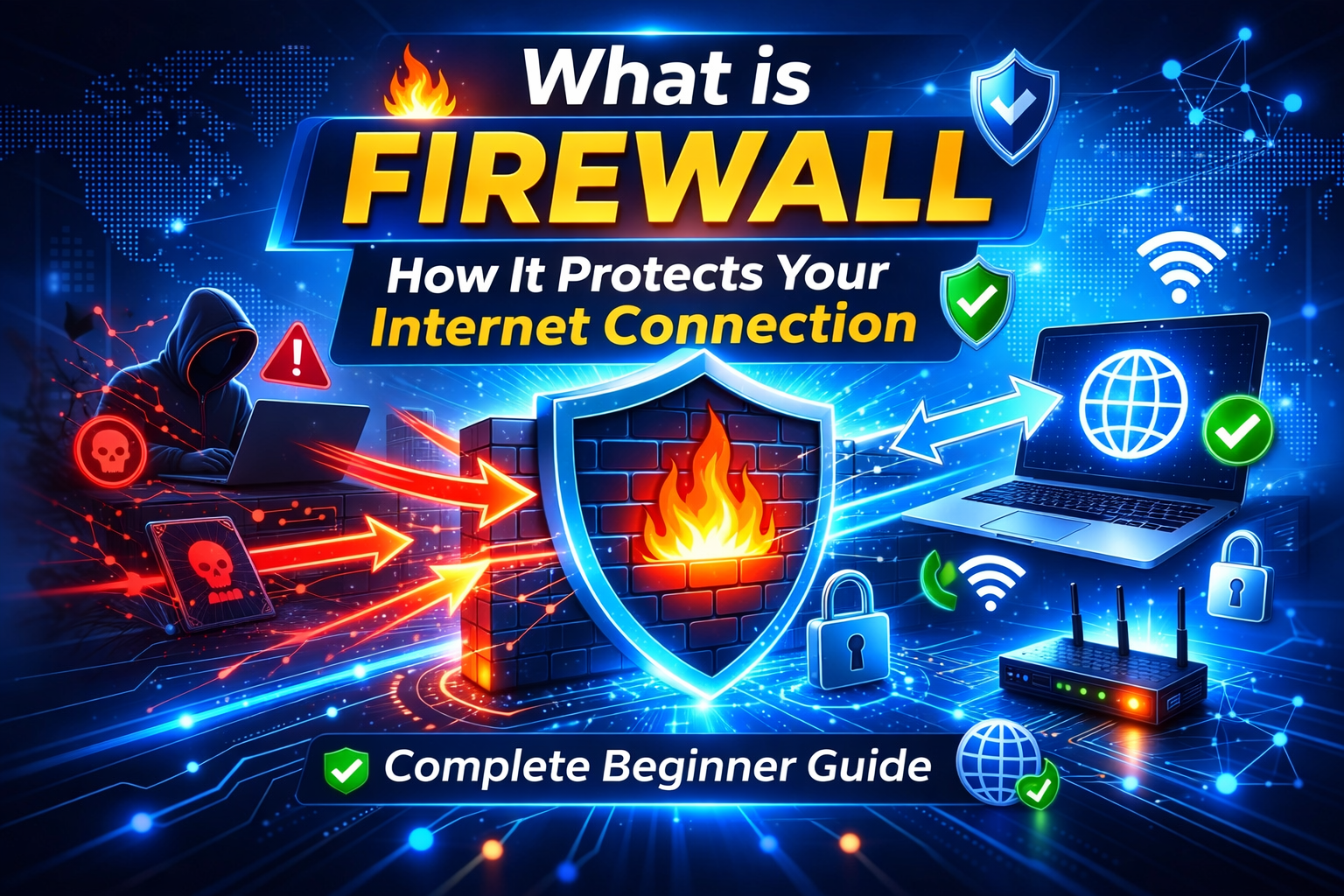
In today’s digital world, internet security has become more important than ever before. Every time you browse a website, download a file, or use an online service, your device is exposed to potential cyber threats. Hackers, malware, and unauthorized access attempts are increasing day by day. This is where a firewall plays a crucial role in protecting your internet connection.
A firewall acts as a protective shield between your device and the internet. It monitors incoming and outgoing network traffic and blocks suspicious activities before they can cause harm. Whether you are using a home WiFi network or a corporate internet connection, having a firewall is essential for maintaining online safety.
In this beginner-friendly guide, you will learn what a firewall is, how it works, different types of firewalls, and why it is important for internet security.
What is a Firewall?
A firewall is a network security system that helps protect your computer, smartphone, or server from unauthorized access and cyber threats. It works like a security guard that checks all internet traffic and decides whether to allow or block it based on predefined security rules.
Think of a firewall as the main gate of your house. Only trusted people are allowed to enter, while strangers or suspicious visitors are stopped outside. Similarly, a firewall filters harmful data packets and prevents them from entering your system.
Firewalls can be software-based, hardware-based, or even cloud-based depending on the level of protection required.
Why Firewall is Important for Internet Security
Many users believe that antivirus software alone is enough for protection. However, antivirus tools mainly detect malware after it enters the system. A firewall works differently. It stops harmful connections before they reach your device.
Here are some key reasons why a firewall is important:
- Protects against hackers trying to access your network
- Prevents unauthorized applications from sending data
- Blocks suspicious websites and malicious traffic
- Helps secure personal and financial information
- Reduces the risk of cyber attacks and data theft
Without a firewall, your device becomes more vulnerable to online threats.
How Does a Firewall Work?
A firewall works by analyzing data packets that travel through the internet. Every time you open a website or use an app, information is sent and received in the form of packets. The firewall inspects these packets and applies security rules to determine whether they should be allowed or blocked.
The firewall checks:
- Source of the data
- Destination of the data
- Type of request
- Security risk level
If the request looks safe and comes from a trusted source, the firewall allows it. If the request appears suspicious, the firewall blocks it immediately.
This process happens in real time and ensures continuous protection while you browse the internet.
Types of Firewalls
There are different types of firewalls designed for various security needs. Understanding them helps you choose the right protection method.
1. Software Firewall
A software firewall is installed directly on your device. Most operating systems like Windows and macOS already include a built-in firewall.
It provides protection at the device level and is suitable for personal use. Users can customize settings to block specific programs or ports.
2. Hardware Firewall
A hardware firewall is a physical device connected to your network. It protects all devices connected to the same internet connection.
This type of firewall is commonly used in offices and business environments where multiple systems need centralized protection.
3. Cloud Firewall
Cloud firewalls are modern security solutions that operate through cloud servers. They provide advanced protection for websites, apps, and online services.
Many companies use cloud firewalls to protect their servers from large-scale cyber attacks.
4. Next-Generation Firewall (NGFW)
Next-generation firewalls offer advanced features such as intrusion detection, deep packet inspection, and real-time threat intelligence.
They are designed for high-security environments and provide stronger defense against modern cyber threats.
Firewall vs Antivirus – What is the Difference?
Many beginners get confused between firewall and antivirus software. Both are important for security, but they perform different functions.
A firewall controls network traffic and blocks unauthorized connections. Antivirus software scans files and removes malware that has already entered the system.
For complete protection, it is recommended to use both firewall and antivirus together.
Advantages of Using a Firewall
Using a firewall provides multiple security benefits. Some of the major advantages include:
- Prevents unauthorized network access
- Protects sensitive personal data
- Blocks malware and ransomware attacks
- Enhances privacy while browsing
- Reduces network security risks
- Helps maintain system performance
With proper firewall configuration, users can browse the internet more safely and confidently.
Common Firewall Mistakes to Avoid
Even though firewalls are powerful security tools, incorrect usage can reduce their effectiveness. Here are some common mistakes to avoid:
- Disabling firewall without a valid reason
- Ignoring firewall alerts and warnings
- Using outdated firewall software
- Allowing unknown applications internet access
- Not updating security rules regularly
Always keep your firewall active and updated to ensure maximum protection.
How to Enable Firewall on Your Device
Enabling a firewall is simple and does not require technical expertise.
On Windows, you can go to Control Panel and turn on Windows Defender Firewall.
On macOS, firewall settings are available in System Preferences under Security & Privacy.
On routers, firewall options are usually found in the admin panel.
Once enabled, the firewall automatically starts monitoring network traffic.
Final Thoughts
In an age where cyber threats are constantly evolving, using a firewall is no longer optional. It is one of the most essential tools for protecting your internet connection and maintaining online privacy.
Whether you are a student, business owner, or regular internet user, having a firewall helps create a safer digital environment. By understanding how firewalls work and using them correctly, you can significantly reduce the risk of cyber attacks.
Always combine firewall protection with strong passwords, secure browsing habits, and regular software updates for complete online safety.