
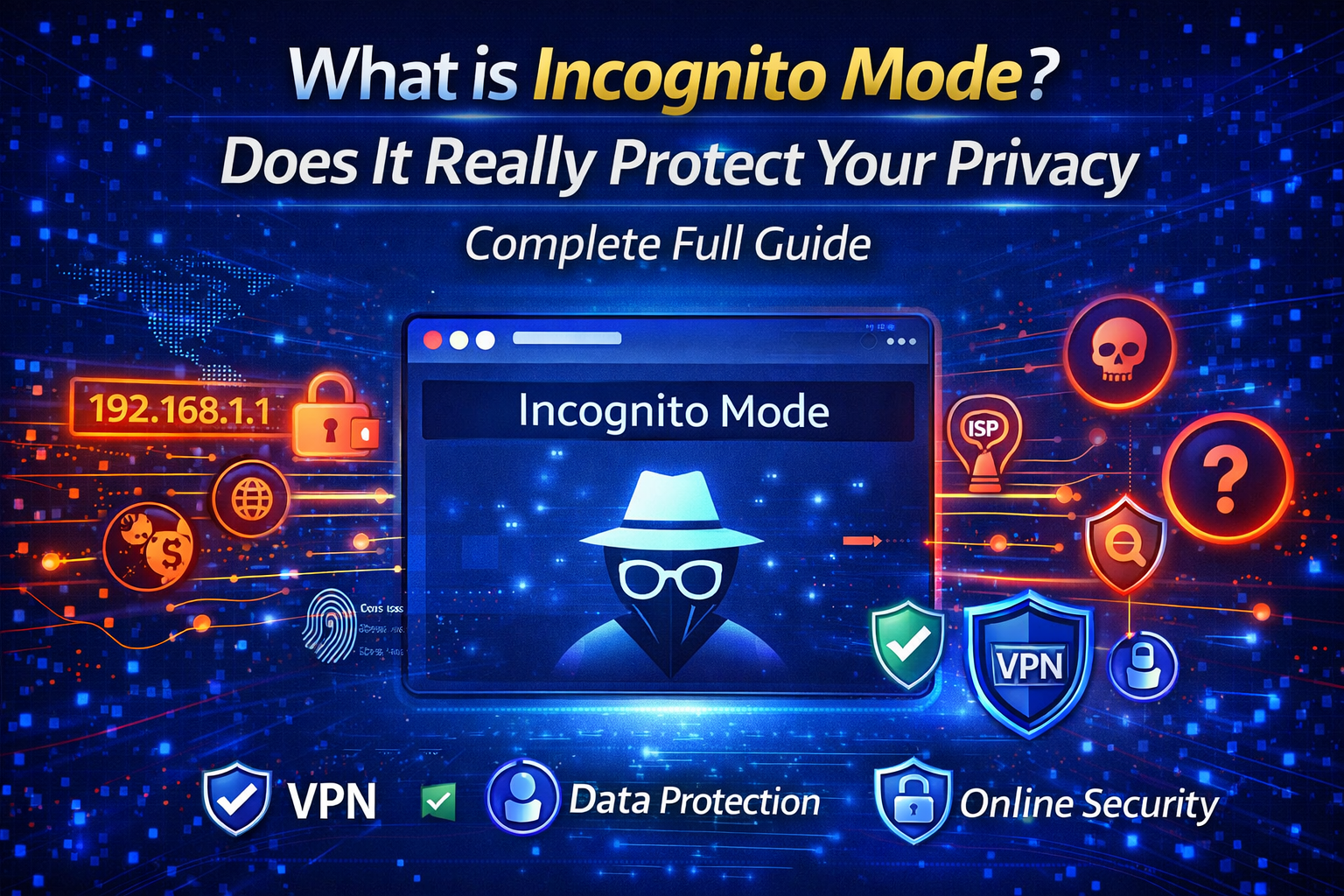
The internet has become an essential part of our daily lives. From searching information and watching videos to online banking and shopping, we use the internet for almost everything. However, as internet usage increases, concerns about online privacy and data tracking are also growing rapidly.
Many people believe that using Incognito Mode in their browser makes them completely anonymous online. But is that really true? Does Incognito Mode actually protect your privacy, or is it just a basic privacy feature?
In this complete beginner guide, we will understand what Incognito Mode is, how it works, its benefits, limitations, and whether you should rely on it for online privacy.
What is Incognito Mode?
Incognito Mode is a privacy feature available in most modern web browsers like Google Chrome, Mozilla Firefox, Microsoft Edge, and Safari. It allows users to browse the internet without saving browsing history, cookies, site data, or form information on their device.
When you open a new Incognito window, the browser creates a temporary session. Once you close the Incognito tab or window, all session data is automatically deleted from your device.
This means that other people using the same device cannot see which websites you visited while browsing in Incognito Mode.
How Does Incognito Mode Work?
Incognito Mode works by creating a temporary browsing environment. During this session:
Your browsing history is not saved
Cookies are deleted after closing the session
Search form data is not stored
Login sessions are cleared after closing
However, your internet service provider (ISP), employer, school network administrator, or the websites you visit can still track your activity.
So, Incognito Mode mainly protects your privacy locally on your device — not on the internet.
Benefits of Using Incognito Mode
There are several useful situations where Incognito Mode can be helpful.
- Private Browsing on Shared Devices
If you are using a public computer or someone else’s device, Incognito Mode ensures that your browsing history and login details are not saved. - Multiple Account Login
Incognito Mode allows you to log into multiple accounts on the same website without logging out from your main session. - Avoiding Temporary Cookies
Some websites show limited offers or pricing based on cookies. Using Incognito Mode can help you see a fresh version of the website. - Testing Websites
Website developers and bloggers often use Incognito Mode to test how their site looks to new users without cache interference.
Limitations of Incognito Mode
Although Incognito Mode sounds secure, it has several limitations that users must understand.
- Not Completely Anonymous
Incognito Mode does not hide your IP address. Your online activity can still be tracked by websites and network providers. - Downloads and Bookmarks Are Saved
If you download files or bookmark websites in Incognito Mode, those files and bookmarks remain on your device. - Malware and Tracking Scripts Still Work
Incognito Mode does not protect you from malicious websites, spyware, or advanced tracking technologies. - ISP Monitoring Still Possible
Your internet service provider can still see which websites you visit, even in Incognito Mode.
Incognito Mode vs VPN
Many users confuse Incognito Mode with VPN services. While both are privacy tools, they work very differently.
Incognito Mode hides local browsing history but does not encrypt your internet traffic.
A VPN, on the other hand, encrypts your internet connection and hides your real IP address. This provides stronger privacy and security.
If you want real online anonymity, using a reliable VPN is much safer than relying only on Incognito Mode.
When Should You Use Incognito Mode?
Incognito Mode is useful for:
Private searches on shared computers
Temporary logins
Testing websites
Avoiding stored cookies
But it is not suitable for:
Hiding identity online
Bypassing surveillance
Complete online security
Safe browsing on public WiFi
What is Incognito Mode
Best Practices for Better Online Privacy
To stay safe online, you should combine multiple privacy tools instead of relying only on Incognito Mode.
Use a trusted VPN service
Install a secure browser extension
Enable HTTPS browsing
Avoid suspicious websites
Keep your browser updated
Use strong passwords and two-factor authentication
Final Thoughts
Incognito Mode is a helpful feature for maintaining local privacy on your device. It prevents your browsing history from being saved and clears temporary data after the session ends.
However, it does not make you invisible on the internet. Websites, advertisers, and network providers can still monitor your activity.
For complete online privacy and secure browsing, you should use advanced tools like VPN services and cybersecurity best practices.
Understanding the real capabilities and limitations of Incognito Mode helps you make smarter decisions while browsing online.
Staying informed is the first step toward staying safe in the digital world. What is Incognito Mode