
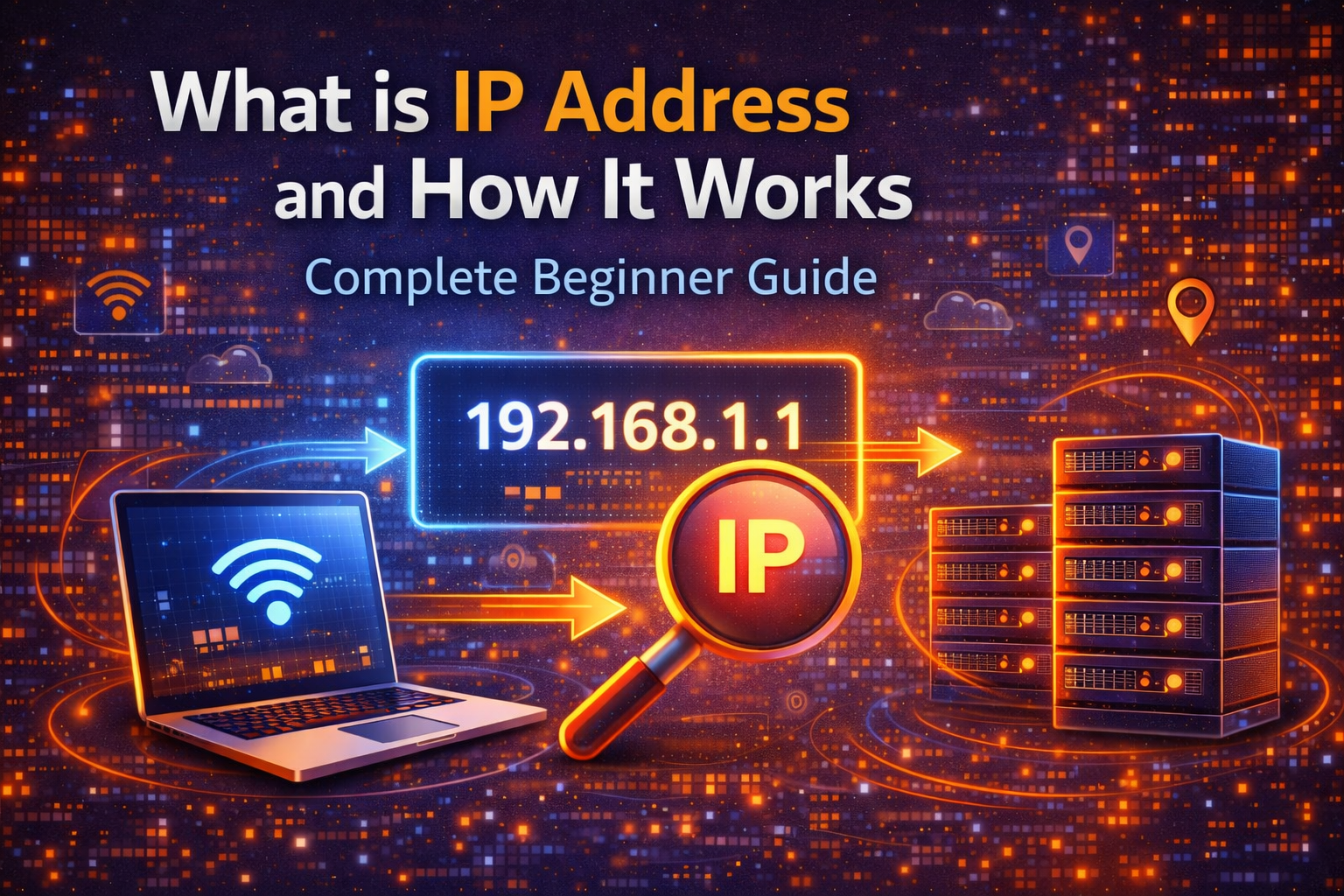
In today’s digital world, every device connected to the internet has a unique identity. This identity is known as an IP address. Whether you are browsing websites, watching videos, or sending emails, your device is constantly communicating with servers using this important networking element.
Many beginners often hear the term “IP address” but do not fully understand what it actually means or how it works. In this complete beginner guide, you will learn everything about IP addresses in simple language. This includes its meaning, types, working process, and why it is important for internet privacy and security.
What is an IP Address?
An IP address stands for Internet Protocol Address. It is a unique numerical label assigned to every device that is connected to a computer network using the Internet Protocol. This address helps devices identify each other and communicate over the internet.
Just like your home has a physical address where letters and packages are delivered, your device has an IP address that helps data reach the correct destination on the internet.
Without IP addresses, the internet would not be able to function properly because servers would not know where to send requested information.
How IP Address Works
When you open a website in your browser, your device sends a request to the server where the website is hosted. This request includes your IP address. The server then processes the request and sends the website data back to your device using the same IP address.
This process happens in just a few milliseconds, allowing you to browse smoothly and access information instantly.
Your Internet Service Provider (ISP) assigns your device an IP address whenever you connect to the internet. This address may change over time or remain fixed depending on the type of connection you use.
Types of IP Addresses
There are mainly two types of IP addresses used today:
IPv4 Address
This is the most commonly used format and looks like this: 192.168.1.1
It contains four numbers separated by dots.
IPv6 Address
This is the newer version designed to support more devices. It looks more complex and includes letters and numbers.
Apart from this, IP addresses can also be classified as:
Public IP Address
This is the address visible on the internet and assigned by your ISP.
Private IP Address
This is used inside local networks like your home WiFi.
Static IP Address
This remains the same and is usually used by businesses.
Dynamic IP Address
This changes periodically and is commonly used for regular internet users.
Why IP Address is Important
IP addresses play a major role in internet communication. They help:
Identify devices on the network
Enable data transfer between users and servers
Improve network security
Help websites deliver content correctly
Track location for online services
However, your IP address can also reveal certain information such as your approximate location. This is why many users use VPN services or proxy servers to protect their privacy.
How to Find Your IP Address
You can easily find your IP address by searching “What is my IP” on Google. You can also check it through your device network settings.
Should You Hide Your IP Address?
Hiding your IP address is useful if you want better privacy, secure browsing, or access to region-restricted content. Tools like VPNs and proxies can help mask your real IP and improve online safety.
Conclusion
An IP address is one of the most essential parts of the internet. It allows devices to communicate, transfer data, and access online services efficiently. Understanding how IP addresses work can help you use the internet more safely and make better decisions about your online privacy.
Whether you are a beginner or someone interested in cybersecurity, learning about IP addresses is a great first step toward understanding how the internet truly